
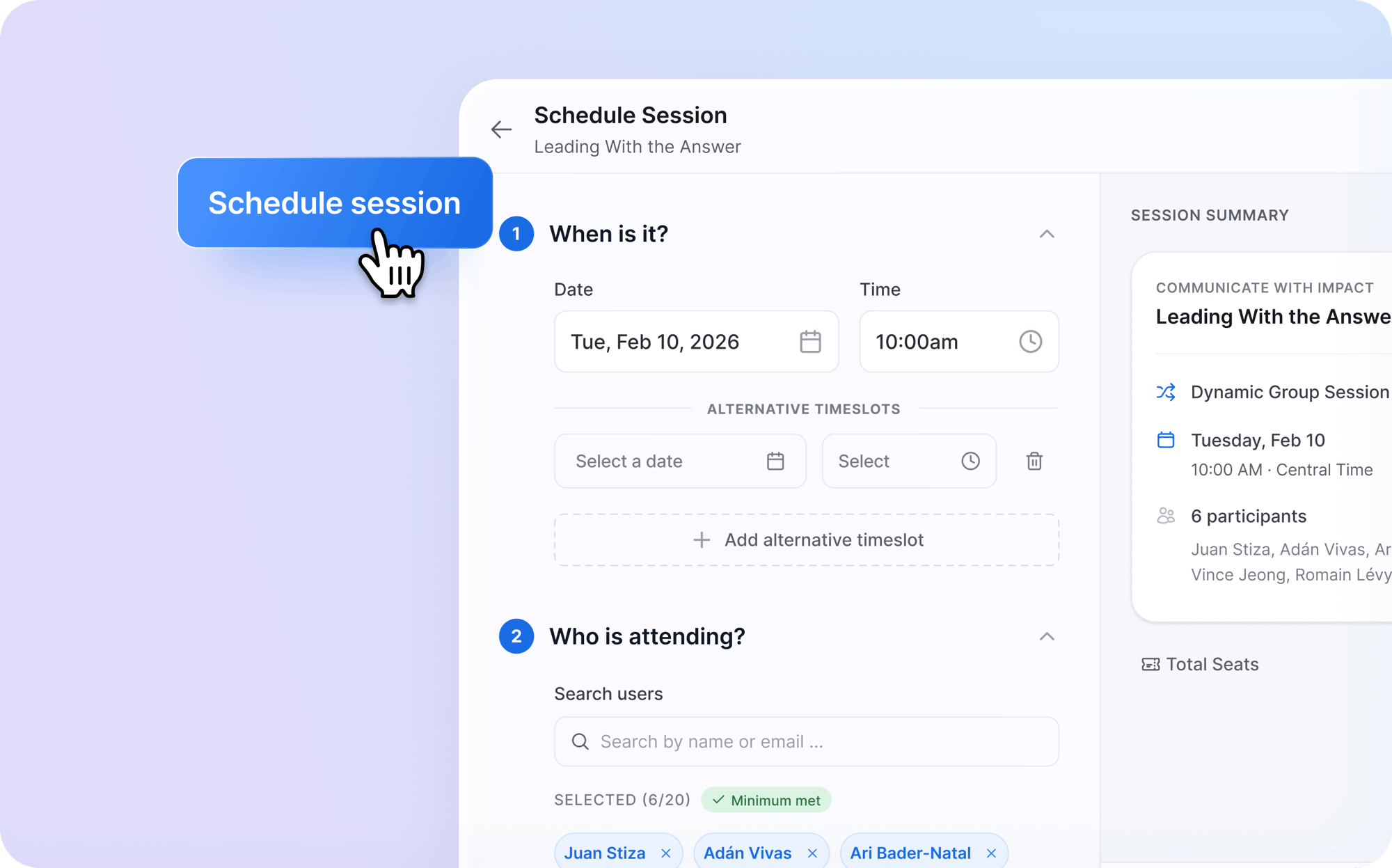
This month's updates are focused on giving client admins more powerful tools for managing programs at scale. The headline: a new Cohort Admin role that lets you delegate day-to-day cohort management to team members, paired with a redesigned session scheduling wizard that simplifies the process for everyone. We also completed our third annual SOC 2 Type II audit, and made several improvements to cohort-based user provisioning. Here are the details:
Security
We're pleased to share that Sparkwise has successfully completed our third annual SOC 2 Type II audit. This achievement underscores our ongoing commitment to maintaining robust security standards as we serve a growing number of enterprise clients. More about our security practices can be found at sparkwise.co/security.
For client admins
The biggest addition this month is the new Cohort Admin role. Client admins can now assign a team member to manage a specific cohort within their account. When setting up a Cohort Admin, you can:
- Specify a seat budget for the cohort, which sets a limit on how many sessions can be scheduled within it
- Optionally curate a selection of modules from the catalog for that cohort — you can give access to the full catalog, highlight a set of recommended modules, or restrict access to only the curated selection
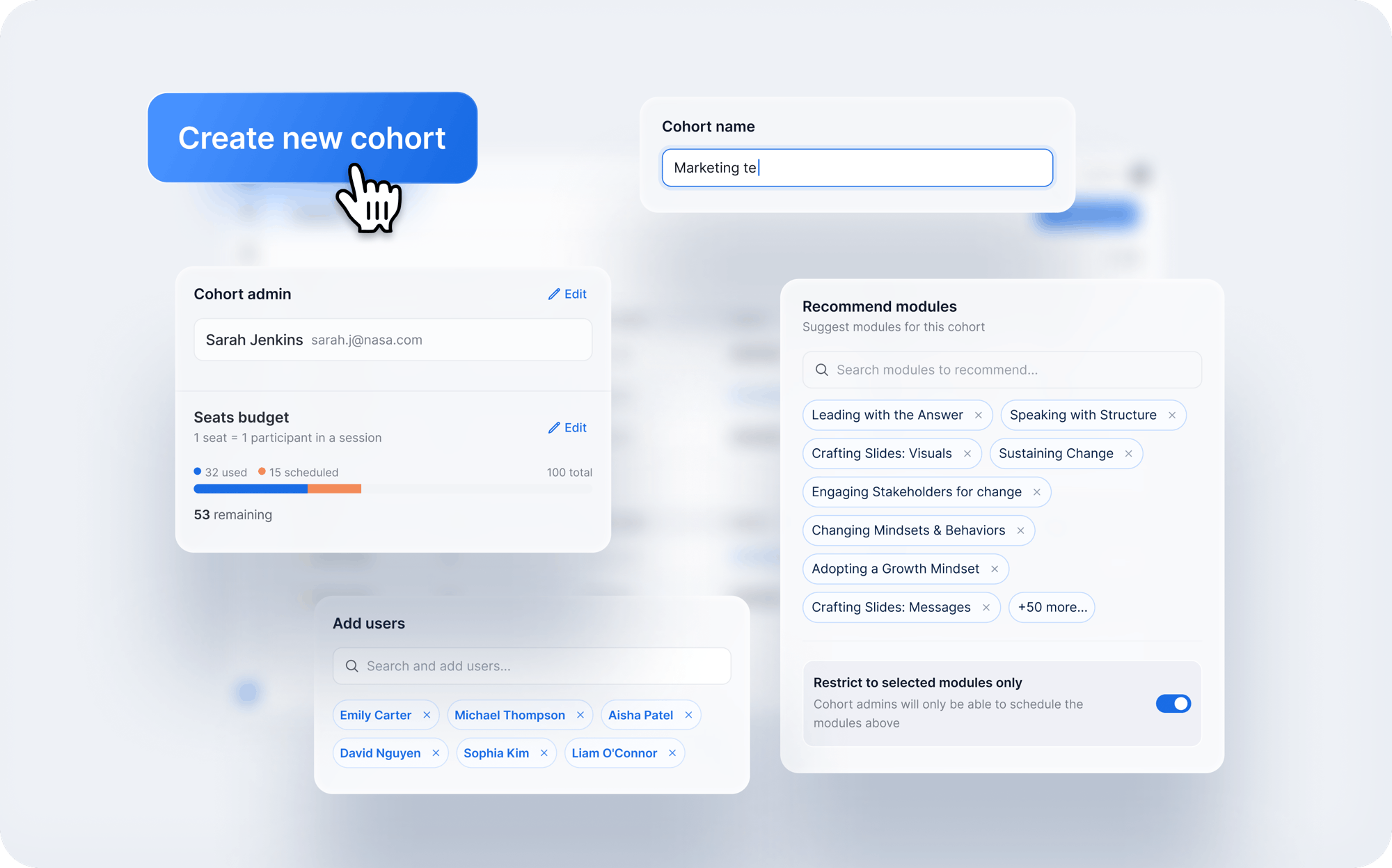
Once assigned, Cohort Admins have the ability to manage their cohort's participants and sessions, including session scheduling — scoped only to their named cohort. This is designed for organizations running multi-cohort programs where day-to-day management benefits from distributed ownership.
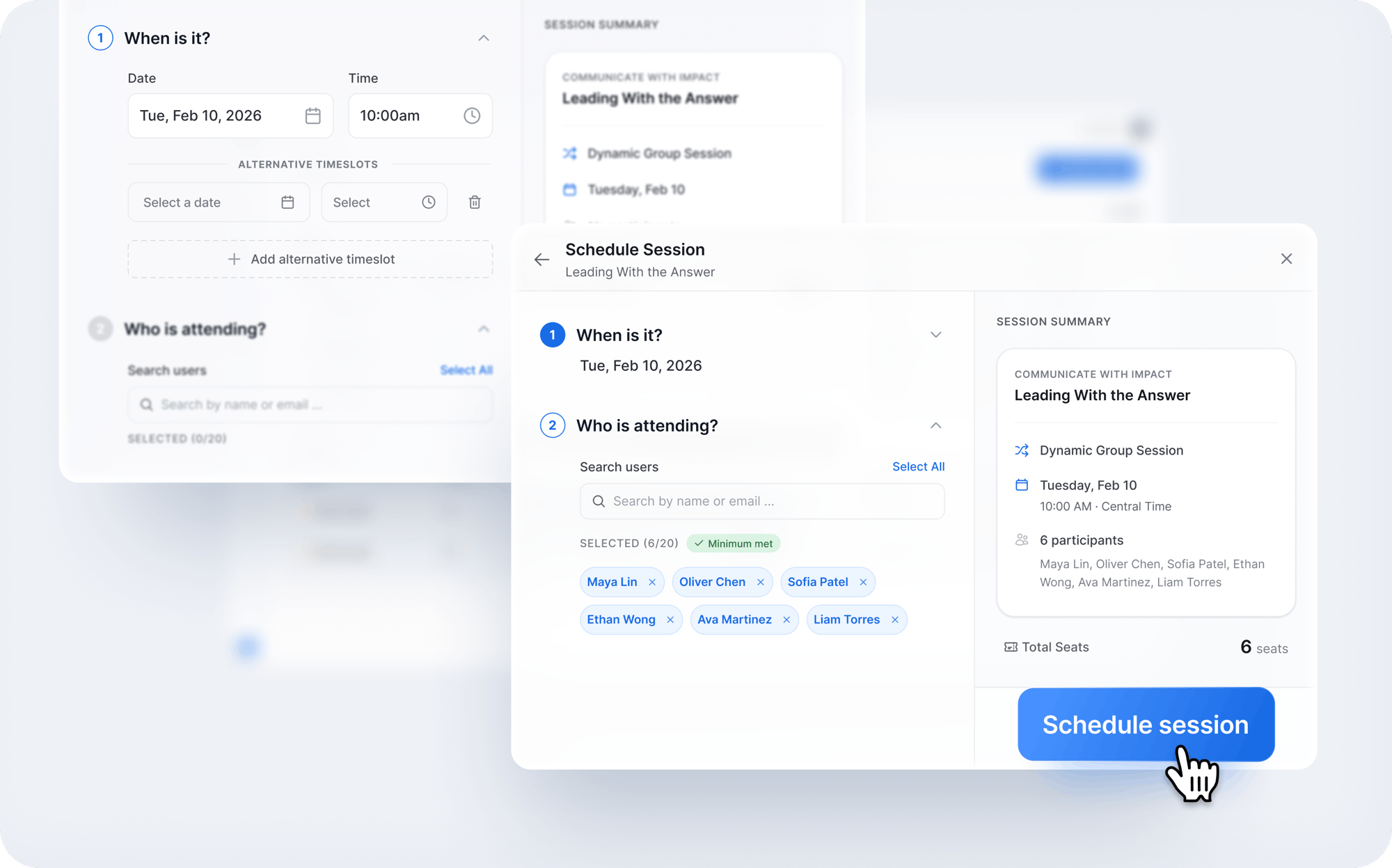
Client admins and Cohort Admins will also see a new session scheduling wizard. This multi-step flow walks you through a streamlined process of selecting a module, picking a timeslot, and assigning participants — replacing the previous scheduling interface with something more guided and intuitive.
We've also improved cohort-related user provisioning in two ways:
- Cohort auto-enrollment at user creation: Client admins can now add new users directly into a cohort when first creating their accounts — both when adding users one at a time or when bulk-adding via CSV. Previously, users could only be added to a cohort after their account was created.
- Self-registration auto-enrollment: When a self-registration flow is embedded in an LMS/LXP system with new user auto-provisioning enabled, newly provisioned users are now automatically added to the user cohort linked to that self-registration flow.
For developers
The Sparkwise Account API endpoint for Clusters now returns all clusters, rather than only those clusters with the Self-Registration feature enabled.
Interested to see what we've released in past months? Highlights from our changelog can be found in our Product Release Notes.


